Connecting your Lazada store: "Missing Parameters" error
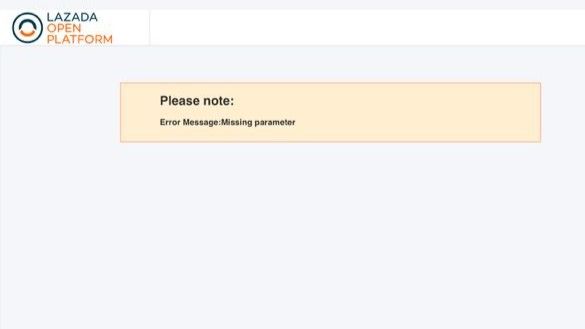
Some sellers see a "Missing Parameters" error when connecting their Lazada store to Merqury. This is a bug in Lazada's own login system, not in Merqury, and it affects the first login attempt only.
You can still connect your store. Here's how.
Steps
In Merqury, start the Lazada connection as normal.
Choose Malaysia, then click Use Seller Login.
A new window may show "Missing Parameters" — close that window and
return to the Merqury popup.
Choose Malaysia again and click Use Seller Login.
Log in to Lazada as normal. Your store will connect.
The second attempt works because Lazada's login carries over the details its
first attempt dropped.
What to expect after connecting
Your Lazada orders will begin syncing automatically. Existing orders are pulled in on the first sync, so there's nothing to re-enter by hand.
Still stuck?
If the second attempt also fails, or you see a different error, contact support and roughly what time you tried. We can see the failure on our side and help you troubleshoot integrating Lazada with Merqury.