Adding Users to Your Team
Written By Red
Last updated 26 days ago
Adding Users to Your Team
Team features are only available on the Growth and Business plans.
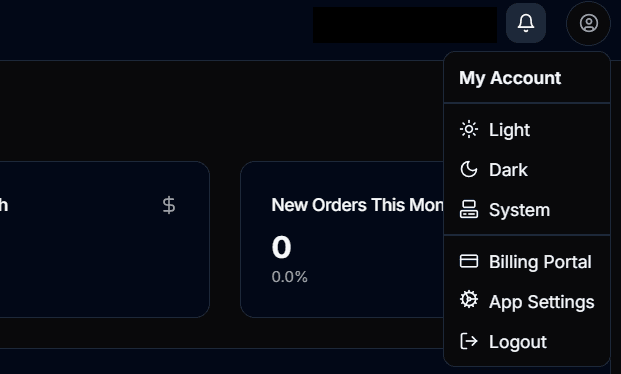
Go to /settings via the Cog icon at the top right of the navigation bar
Scroll down to the Team section
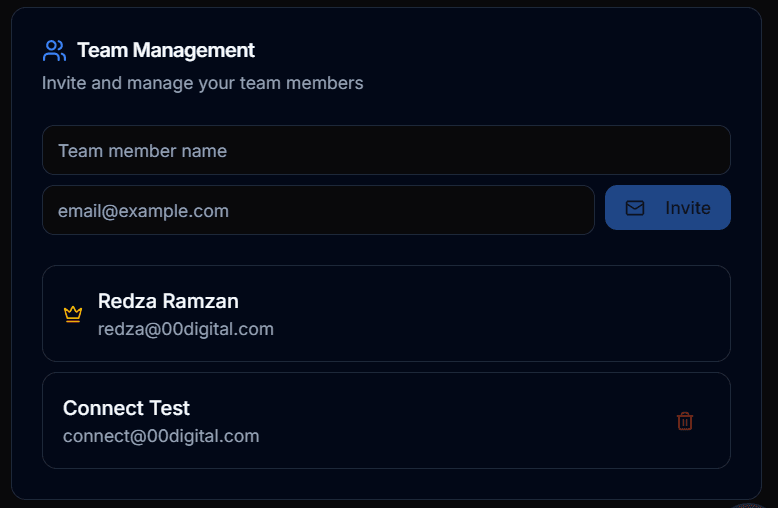
Enter the team member's first name, last name, and email address
Send the invite — they'll receive an email with instructions
The invited user can now sign up with the invitation link and is automatically added to your organisation
Was this helpful?
Still need help? Ask the team